

If you have ever tried to print a logo only to end up with a blurry, pixelated mess, you already know the frustration. The fix is simple: you need a proper vector file. But before you hand over your money, you probably have one very reasonable question — how much does logo vectorization actually cost in 2026?
The answer depends on several things: the complexity of your artwork, the format you need, whether you want a human expert or an automated tool, and how fast you need it delivered. This guide breaks it all down so you can make a smart, informed decision without overspending or getting burned by poor-quality work.
What Is Logo Vectorization and Why Does It Matter?
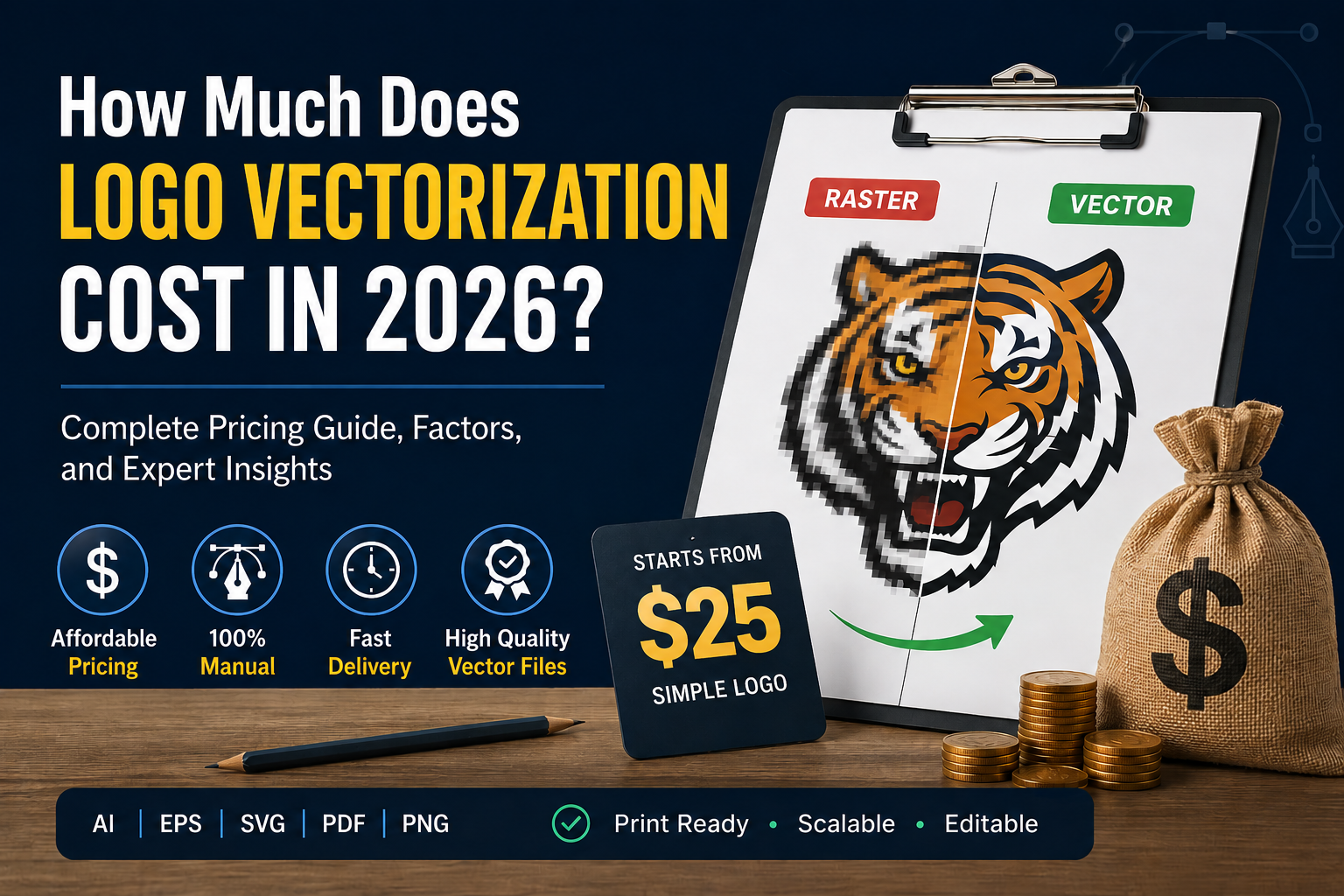
Logo vectorization is the process of converting a raster image — like a PNG or JPG — into a vector file format such as AI, EPS, SVG, or PDF. Raster images are made up of pixels, which means they lose quality when you scale them up. Vector files, on the other hand, use mathematical paths and anchor points, so they stay perfectly sharp at any size — whether you are printing on a business card or a 20-foot banner.
This matters enormously for real-world use cases:
- Print production — T-shirts, banners, brochures, packaging
- Embroidery — Digitizers need clean vector paths to stitch accurately
- Signage — Large-format printing requires high-fidelity files
- Branding — A professional brand identity must be consistent and scalable
- Digital use — SVG files are lightweight and resolution-independent for websites
Without a proper vector file, you will be turning down jobs, paying for reprints, or delivering subpar results to clients. That is a cost far greater than the price of professional vectorization.
How Much Does Logo Vectorization Cost in 2026?
Logo vectorization pricing in 2026 ranges from completely free (for basic auto-trace tools) to well over $200 for complex artwork handled by a freelance designer charging premium rates. Here is a realistic breakdown across different service tiers.
Free and DIY Auto-Trace Tools
Tools like Adobe Illustrator’s Image Trace, Inkscape’s auto-trace, and various online converters can technically convert a raster image to a vector. The cost is zero, but so is the quality in most cases.
Auto-trace works by algorithmically following the edges of your image and generating anchor points along those edges. The result is often messy — thousands of unnecessary nodes, jagged edges, poor color separation, and paths that break down under professional print conditions. For a simple, high-contrast black-and-white icon, auto-trace might do the job. For anything more complex, it is a shortcut that creates more problems than it solves.
Typical cost: $0 Quality: Low to acceptable only for very simple artwork
Freelance Platforms (Fiverr, Upwork)
Freelance marketplaces are one of the most popular places to order logo vectorization. Pricing varies significantly based on the seller’s experience, location, and the complexity of your artwork.
On the lower end, you will find services starting around $5–$15. Be cautious here — at this price point, many sellers are using auto-trace and manually cleaning it up only slightly. The result may look acceptable on screen but fail in production.
Mid-tier sellers with good reviews and demonstrated skills typically charge $25–$80 for a professional manual redraw, depending on artwork complexity.
Top-rated, experienced specialists on these platforms typically charge $50–$150+, and they tend to deliver print-ready, production-quality files that hold up under real-world conditions.
Typical cost: $5 – $150+ Quality: Varies widely — research the seller carefully
Professional Logo Vectorization Services
Dedicated vectorization services like Vector Refinery occupy the ideal middle ground — professional quality at transparent, honest pricing. Rather than navigating the uncertainty of a freelance marketplace, you get clearly defined packages, fast turnaround, and guaranteed quality.
At Vector Refinery, all work is done 100% manually. No auto-trace. Every logo is redrawn by hand using clean anchor points, precise paths, and proper color separation. The result is a file that is genuinely print-ready, embroidery-ready, and production-ready.
Logo Vectorization Pricing Guide
Estimated cost based on logo complexity, file quality, and final deliverables.
| Logo Type | Typical Cost | Best For | Complexity |
|---|---|---|---|
| Simple Logo | $25 – $40 | Text-based logos, initials, simple shapes, one or two colors. | Low |
| Medium Logo | $40 – $100 | Small business logos, custom typography, icons, layered elements. | Medium |
| Complex Logo | $100 – $300+ | Mascots, vintage logos, detailed illustrations, hand-drawn artwork. | High |
Here is their current pricing structure:
Basic — $25
Best for simple logos and icons. Includes AI, SVG, and PNG files, clean vector paths, and 1 revision. Delivered within 48 hours.
Standard — $45 (Most Popular)
Best for business logos and brand assets. Includes AI, EPS, SVG, PDF, and PNG files, black and white versions, 2 revisions, and priority support. Delivered within 24 hours.
Premium — $85
Best for complex artwork intended for print and embroidery production. Includes the full file package, print and embroidery optimization, unlimited revisions, and priority delivery in 12–24 hours.
Typical cost: $25 – $85 Quality: Professional, production-ready, 100% manual
Graphic Design Agencies
Full-service graphic design agencies will often include logo vectorization as part of a broader brand project. If you are paying for a complete brand identity package, the vectorization is typically rolled in. But if you need standalone vectorization, agencies tend to charge $100–$300 or more — often billing by the hour at $50–$150 per hour.
Unless you are already working with an agency on a larger project, this route is usually overkill for a simple vectorization job.
Typical cost: $100 – $300+ Quality: High, but expensive for standalone work
What Factors Affect the Price of Logo Vectorization?
Understanding what drives the cost helps you evaluate quotes and avoid paying more than you should.
1. Complexity of the Artwork
This is the single biggest pricing factor. A simple, flat, two-color logo takes far less time to redraw than a detailed illustration with shading, gradients, fine linework, or intricate shapes. A badge-style logo with 12 colors, custom lettering, and decorative elements will always cost more than a minimalist icon.
Most professional services tier their pricing around complexity — basic, standard, and premium levels. If you are unsure which tier applies to your artwork, a reputable service like Vector Refinery will assess your file before you pay and give you an exact quote.
2. Number of Colors
More colors mean more layers, more paths, and more time. A single-color logo might take 30 minutes to redraw properly. A full-color illustration could take several hours. Color count also matters for specialized outputs — embroidery files, for example, need each color separated as its own layer, and spot color printing requires precise Pantone matching.
3. File Format Requirements
If you only need one format — say, an SVG for web use — the job is simpler. But if you need AI, EPS, SVG, PDF, PNG, a black-and-white version, and an embroidery-ready file, that is a more involved deliverable. Most professional services bundle multiple formats into their packages, which is much better value than paying separately for each.
4. Turnaround Time
Speed costs money. If you need a file within 6–12 hours, expect to pay a premium. Standard delivery of 24–48 hours is typically included in base pricing, while rush jobs command an additional fee. Vector Refinery delivers standard orders within 24 hours and premium orders within 12–24 hours without an extra rush charge.
5. Revisions
How many rounds of edits are included? Some services charge per revision after the first. For a logo you are going to use long-term across all your brand materials, you want to get it right — so look for services that include at least a couple of revisions in their base price.
6. Manual vs. Auto-Trace
There is a genuine quality gap between manual vectorization and auto-trace. If a service is priced suspiciously low, it is very likely using auto-trace. Manual redraw takes skill and time, which is why it costs more — and why it is worth paying for if the file will be used for print, embroidery, or serious branding purposes.
Manual Vectorization vs. Auto-Trace: Is the Price Difference Worth It?
Let’s be direct about this. Auto-trace is not professional vectorization. It is a shortcut, and it shows.
When a professional redraws a logo manually, they rebuild every curve, line, and shape from scratch using precise Bézier paths. The result is a file with clean anchor points, smooth edges, correct color separation, and proper structure. It behaves perfectly in professional design software and production environments.
Auto-trace, on the other hand, generates anchor points by tracing the pixels of your raster image. It creates jagged curves, thousands of unnecessary nodes, and messy color regions. It might look okay on screen, but when you send it to a print shop or embroidery machine, the problems become obvious fast.
Here is the real cost of cheap auto-trace: you pay $5–$15 for a low-quality file, it fails in production, you end up reprinting, re-embroidering, or ordering the file again from someone who does it right. Total cost? Far more than you would have paid upfront.
A professional manual service at $25–$85 is almost always the smarter financial decision when the files are going to be used for real-world production.
What File Formats Should You Get?
When you order logo vectorization, make sure you receive all the formats you will realistically need. Here is what each one is used for:
AI (Adobe Illustrator) — The native format for Adobe Illustrator. Essential for professional designers and agencies who need to edit or work with the logo.
EPS (Encapsulated PostScript) — Industry standard for print. Works across virtually all professional design software. Your print shop will almost certainly accept EPS.
SVG (Scalable Vector Graphics) — The web standard for vector graphics. Lightweight, scalable, and supported by all modern browsers. Great for websites, apps, and digital use.
PDF (Portable Document Format) — Universally readable and often used for sharing print-ready artwork. Vector PDFs can be placed directly into InDesign or Illustrator layouts.
PNG (Transparent Background) — Not a vector format, but a useful companion file for presentations, email signatures, and digital placements where a transparent-background raster is needed.
Black and White Version — Useful for stamp use, laser engraving, certain print applications, and brand guidelines that require single-color usage.
Vector Refinery’s Standard and Premium packages include all of the above — AI, EPS, SVG, PDF, PNG, and black-and-white versions. That is a complete file package that covers virtually every use case.
How to Choose the Right Vectorization Service
With so many options out there, here is what to look for when evaluating a logo vectorization service:
Portfolio and samples. Can you see before-and-after examples of their actual work? Clean anchor points, smooth curves, and proper color handling are visible signs of quality.
Manual work guarantee. Any reputable service will explicitly state they do not use auto-trace. If they are quiet about their process, ask.
Clear pricing. Hidden fees, vague quotes, and bait-and-switch pricing are red flags. Reputable services publish their prices and explain what is included.
Revisions included. At least one revision should be standard. Two or more is even better.
Turnaround time. For most projects, 24–48 hours is reasonable. Faster is available if you need it.
Client reviews. Look for real feedback from past customers on platforms like Fiverr, Upwork, Google, or Trustpilot.
Vector Refinery checks every one of these boxes. With 500+ completed projects, a 5.0 client rating, Top Rated status on Upwork, and 100% manual work guaranteed, it is one of the most trusted names in professional logo vectorization.
Is It Worth Paying for Professional Logo Vectorization?
Let’s put the cost in perspective.
If your logo appears on your website, business cards, signage, merchandise, uniforms, packaging, or anywhere else your brand is visible — your vector file is one of the most important assets your business owns. It is the file that makes everything else possible.
Paying $25–$85 for a clean, professional, production-ready vector file from a skilled manual artist is not an expense. It is an investment in your brand that pays dividends every time you use it.
Compare that to the alternative: a blurry logo printed on 500 t-shirts. A rejected embroidery file that comes back looking nothing like your brand. A print shop refusing your file because it is not production-ready. A designer spending billable hours cleaning up a garbage auto-trace file.
Professional vectorization is worth it. Every time.
Get Your Logo Vectorized by Vector Refinery
Vector Refinery is a professional manual image-to-vector conversion service trusted by over 500 clients worldwide. Every project is redrawn by hand — no auto-trace, no shortcuts, no compromises. Files are delivered print-ready, embroidery-ready, and production-ready.
Packages start at just $25, with delivery as fast as 12–24 hours. Not sure which package is right for your logo? Upload your artwork and get a free assessment before you pay.
Frequently Asked Questions
How long does logo vectorization take? At Vector Refinery, standard orders are delivered within 24 hours. Premium orders with complex artwork are delivered within 12–24 hours. Rush delivery within 6 hours may be available — contact the team for availability.
What file do I need to send? You can send a PNG, JPG, PDF, or even a sketch. Higher resolution images make the process easier, but low-resolution files can still be vectorized — the artist redraws the artwork rather than relying on the image quality.
Can I get a free quote before ordering? Yes. Vector Refinery offers a free assessment when you upload your artwork. You will get an exact price and turnaround estimate before committing.
What if I am not happy with the result? Basic packages include 1 revision. Standard packages include 2 revisions. Premium packages include unlimited revisions. The team will work with you until you are satisfied.
Do I own the files after purchase? Yes. All delivered files include full commercial use rights. They are yours to use however you need.
Is manual vectorization really better than auto-trace? Significantly. Auto-trace generates messy paths and excessive anchor points that fail under professional production conditions. Manual redraw produces clean, structured vector files that perform correctly in every real-world application.
Published by Vector Refinery — Professional Image to Vector Conversion Service. Visit vectorrefinery.com for portfolio samples, pricing, and to start your order.
