

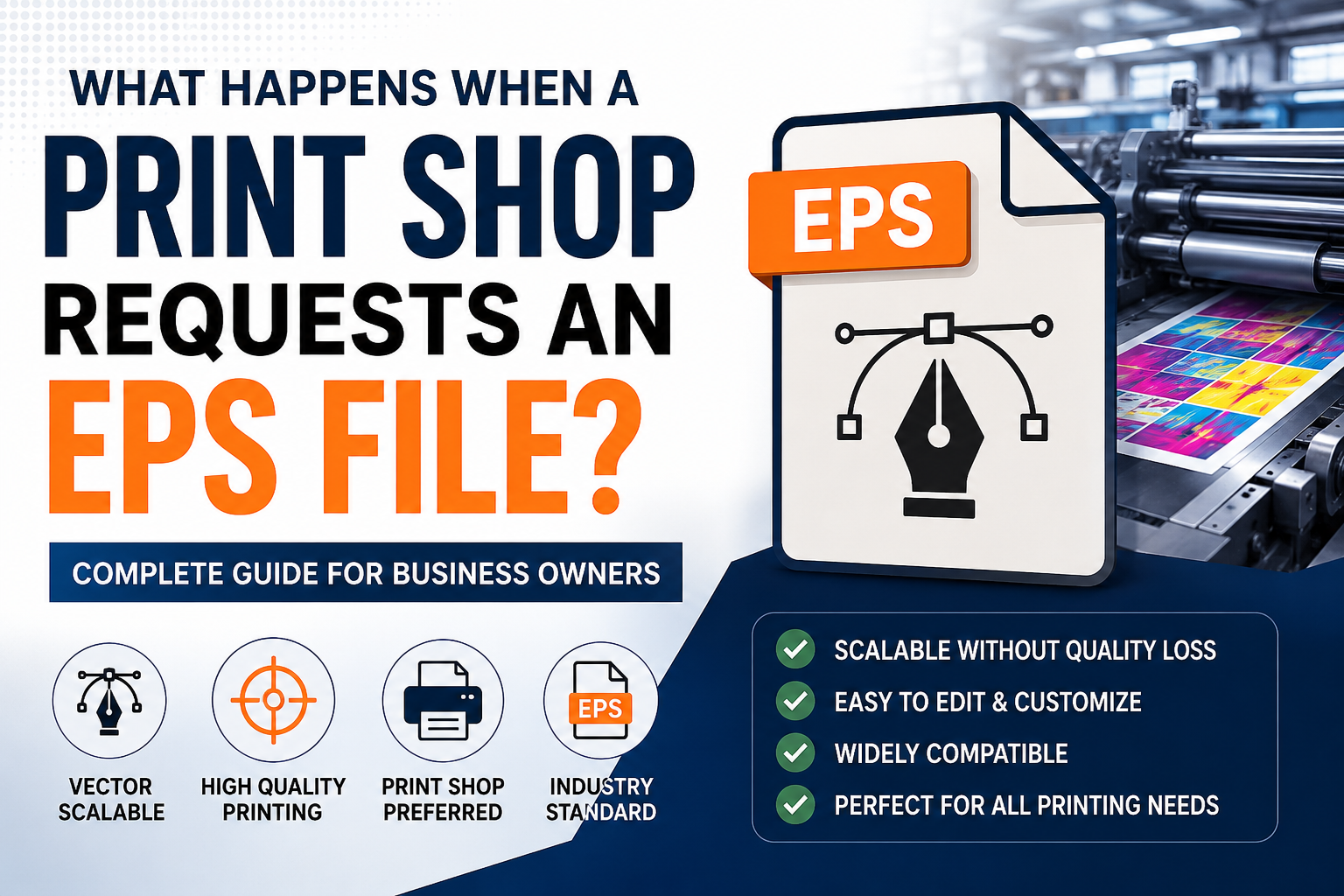
EPS file for printing is one of the most commonly requested file formats by professional print shops. Whether you are printing business cards, signage, apparel, packaging, or promotional products, an EPS file ensures your artwork remains sharp, scalable, and production-ready. Understanding why printers prefer EPS files can help you avoid delays, rejected artwork, and costly printing mistakes.
Many business owners are surprised when a printer asks for an EPS file instead of a PNG, JPG, or PDF. If you’ve ever submitted a logo for printing and received a request for an EPS file, you’re not alone.
Print shops often require EPS files because they provide the highest level of quality, scalability, and compatibility for professional production. Understanding what an EPS file is and why it matters can help avoid delays, printing issues, and unnecessary redesign costs.
In this guide, we’ll explain exactly what happens when a print shop requests an EPS file and how you can prepare your artwork correctly.
What Is an EPS File?
EPS files have been a trusted industry standard for professional printing and vector artwork for many years. According to Adobe, EPS remains one of the most widely supported vector formats for commercial printing and production workflows.
EPS stands for Encapsulated PostScript.
It is a vector-based file format designed to store scalable artwork without losing quality.
Unlike JPG or PNG images, EPS files are built using mathematical paths rather than pixels.
This allows artwork to remain sharp whether it’s printed on:
- Business Cards
- Uniforms
- Packaging
- Trade Show Displays
- Vehicle Wraps
- Billboards
Because EPS files are vector-based, they are widely accepted across professional printing industries.
Learn More About EPS Files
If you would like to understand the technical details behind EPS files and professional vector artwork, Adobe provides an excellent overview of how EPS files work and why they are commonly used in commercial printing.
Why Do Print Shops Request EPS Files?
1. Unlimited Scalability
One of the biggest advantages of EPS files is scalability.
A logo stored as an EPS file can be enlarged from a business card size to a billboard size without becoming blurry.
This is essential for professional printing.
2. Better Print Quality
Print shops need artwork that maintains sharp edges and clean lines.
EPS files preserve:
- Smooth curves
- Accurate shapes
- Crisp typography
This results in higher-quality printed materials.
3. Easy Editing
Printers often need to make small adjustments before production.
An EPS file allows them to:
- Resize artwork
- Adjust colors
- Separate print layers
- Prepare specialty printing processes
Without affecting quality.
4. Industry Compatibility
Most professional printing systems support EPS files.
This makes EPS one of the most reliable formats for:
- Screen Printing
- Embroidery
- Signage
- Promotional Products
- Packaging
EPS vs PNG: What’s the Difference?
Many customers assume PNG files are sufficient for printing.
However, PNG files are raster images.
PNG Limitations
- Pixel-based
- Quality loss when enlarged
- Difficult to edit
- Limited scalability
EPS Advantages
- Vector-based
- Infinite scalability
- Production-friendly
- Professional quality
This is why printers frequently request EPS files instead of PNG files.
EPS vs SVG: Which Is Better for Printing?
Both EPS and SVG are vector formats.
However:
SVG
Best for:
- Websites
- Apps
- Digital graphics
EPS
Best for:
- Commercial printing
- Embroidery
- Signage
- Packaging
Many print providers still prefer EPS because of its broad industry compatibility.
Common Problems When You Don’t Have an EPS File
Blurry Artwork
Low-resolution images often appear pixelated during printing.
Production Delays
Printers may request replacement artwork before proceeding.
Additional Costs
Poor-quality files often require professional vector recreation.
Rejected Artwork
Some print providers reject files that do not meet production standards.
How to Convert a Logo Into an EPS File
If your logo only exists as a PNG, JPG, or screenshot, it may need professional vectorization.
The process typically includes:
Step 1
Analyze the original artwork.
Step 2
Manually redraw shapes and typography.
Step 3
Create clean vector paths.
Step 4
Export production-ready EPS files.
Professional vectorization ensures maximum quality and compatibility.
Industries That Commonly Require EPS Files
Apparel Brands
For screen printing and embroidery.
Sign Companies
For large-format production.
Marketing Agencies
For advertising and branding projects.
Manufacturers
For product packaging and labels.
Sports Teams
For uniforms and merchandise.
Best File Package for Professional Printing
A complete vector package typically includes:
Vector Files
- AI
- EPS
- SVG
Raster Files
- PNG
- JPG
Having all formats ensures compatibility across digital and print applications.
Common Printing Problems Without EPS Files
Many businesses submit PNG, JPG, or low-resolution logo files to print shops without realizing that these formats can create production issues. While raster images may look acceptable on a computer screen, they often fail to meet professional printing requirements.
Blurry or Pixelated Artwork
One of the most common problems is pixelation. When a raster image is enlarged for banners, signs, or vehicle wraps, the artwork can become blurry and lose sharpness.
An EPS file for printing eliminates this problem because vector artwork can be scaled to any size without losing quality.
Delayed Production
Print shops frequently request replacement artwork when customers submit low-quality files. This can delay production schedules and increase turnaround times.
Providing an EPS file from the beginning helps printers prepare artwork more efficiently.
Poor Print Quality
Raster images may contain compression artifacts, rough edges, and inconsistent details that become visible during production. These issues can negatively impact the final appearance of printed materials.
Color Reproduction Problems
Low-quality artwork may not reproduce colors accurately during commercial printing. Vector EPS files provide cleaner artwork that supports more reliable color output.
Additional Design Costs
If a suitable EPS file is not available, a designer may need to manually recreate the artwork before printing can begin. This adds extra time and cost to the project.
For this reason, many businesses choose to maintain a complete vector file package that includes EPS, AI, SVG, and PDF formats.
How to Create an EPS File for Printing
Creating an EPS file for printing requires more than simply changing a file extension. The artwork must first be converted into clean vector graphics that meet professional production standards.
Step 1: Start With the Best Available Artwork
The process begins by collecting the highest-quality version of the logo or design available. This may be a PNG, JPG, PDF, or existing vector file.
Higher-quality source files generally produce better final results.
Step 2: Convert Artwork Into Vector Format
If the artwork is raster-based, it must be recreated using vector paths.
Professional designers typically use Adobe Illustrator to manually redraw shapes, curves, and typography rather than relying solely on automatic tracing tools.
This creates cleaner artwork and better printing results.
Step 3: Clean and Optimize the Vector Paths
Before exporting an EPS file, the vector artwork should be optimized by:
- Removing unnecessary anchor points
- Correcting uneven curves
- Fixing open paths
- Simplifying complex shapes
- Checking typography accuracy
Clean vector construction is essential for professional printing.
Step 4: Verify Print Readiness
The artwork should be reviewed at multiple sizes to ensure it remains sharp and scalable.
Professional designers often test the file for:
- Signage
- Screen printing
- Embroidery
- Packaging
- Promotional products
Step 5: Export as an EPS File
Once the artwork has been optimized, it can be exported as an EPS file for printing.
Most professional vector packages also include:
- AI
- EPS
- SVG
- Transparent PNG
- High-Resolution JPG
Providing multiple formats ensures compatibility across both print and digital applications.
Final Tip
If your logo only exists as a PNG or JPG file, professional manual vectorization is often the most reliable way to create a high-quality EPS file for printing. Clean vector artwork helps prevent production issues, improves print quality, and ensures your brand looks professional across all applications.
Frequently Asked Questions
What is an EPS file used for?
EPS files are commonly used for professional printing, signage, embroidery, packaging, and branding projects.
Why does my printer want an EPS file?
Because EPS files provide scalable, high-quality artwork that works reliably in production environments.
Can a PNG file be converted into an EPS file?
Yes. A designer can manually recreate the artwork as vector graphics and export it as an EPS file.
Is EPS better than PNG for printing?
Yes. EPS files remain sharp at any size, while PNG files can become blurry when enlarged.
Can EPS files be edited?
Yes. EPS files are editable in vector design software such as Adobe Illustrator.
Do EPS files lose quality?
No. EPS files are vector-based and maintain quality regardless of size.
Is EPS better than PDF?
Both formats are useful. However, EPS remains one of the most widely accepted vector formats in commercial printing.
What software opens EPS files?
Adobe Illustrator, CorelDRAW, Affinity Designer, and many professional printing systems support EPS files.
Do embroidery companies use EPS files?
Many embroidery providers accept EPS files because they contain clean vector artwork.
Can a blurry logo become an EPS file?
Yes. Through professional manual vectorization, low-resolution logos can be recreated as clean EPS artwork.
What file format do most print shops prefer?
Most professional print shops prefer vector formats such as EPS, AI, or PDF because they provide scalable, high-quality artwork suitable for commercial printing.
Can I print a logo from a JPG file?
Small prints may work, but JPG files often lose quality when enlarged. For professional printing, a vector EPS file is recommended.
Why are EPS files important for branding?
EPS files allow logos to be used across business cards, signage, apparel, packaging, and promotional products without losing quality.
Is an EPS file required for screen printing?
Many screen printers prefer EPS files because they contain clean vector paths that simplify color separation and production.
Can I convert a PNG logo into an EPS file?
Yes. A professional designer can manually recreate the artwork as a vector file and export it as an EPS format.
Why Many Printers Reject Low-Quality Artwork
One of the most common reasons printers request EPS files is that raster images such as JPG and PNG files often become pixelated when enlarged. Professional printers need artwork that maintains sharp edges, clean typography, and accurate color reproduction. EPS files solve these issues by storing artwork as scalable vector paths instead of pixels.
This is particularly important for:
- Business Cards
- Vehicle Wraps
- Trade Show Displays
- Embroidery
- Screen Printing
- Product Packaging
- Large Format Signage
Businesses that provide EPS files from the beginning often experience fewer production delays and better printing results.
Conclusion
When a print shop requests an EPS file, they are asking for artwork that can be printed accurately, scaled without quality loss, and processed efficiently during production. EPS files remain one of the most trusted formats in commercial printing because they deliver reliable, professional results.
If your logo only exists as a PNG or JPG, converting it into a clean EPS vector file can prevent printing issues, reduce delays, and ensure your brand looks professional across all applications.
Real Situations Where Print Shops Request EPS Files
- Vehicle Wrap Production
- Screen Printing Orders
- Large Format Signage
- Promotional Products
- Packaging Design
- Embroidery Digitizing
Need an EPS File for Printing?
If your logo only exists as a PNG, JPG, screenshot, or PDF, we can manually recreate it as a professional EPS vector file suitable for printing, embroidery, signage, packaging, and promotional products.
