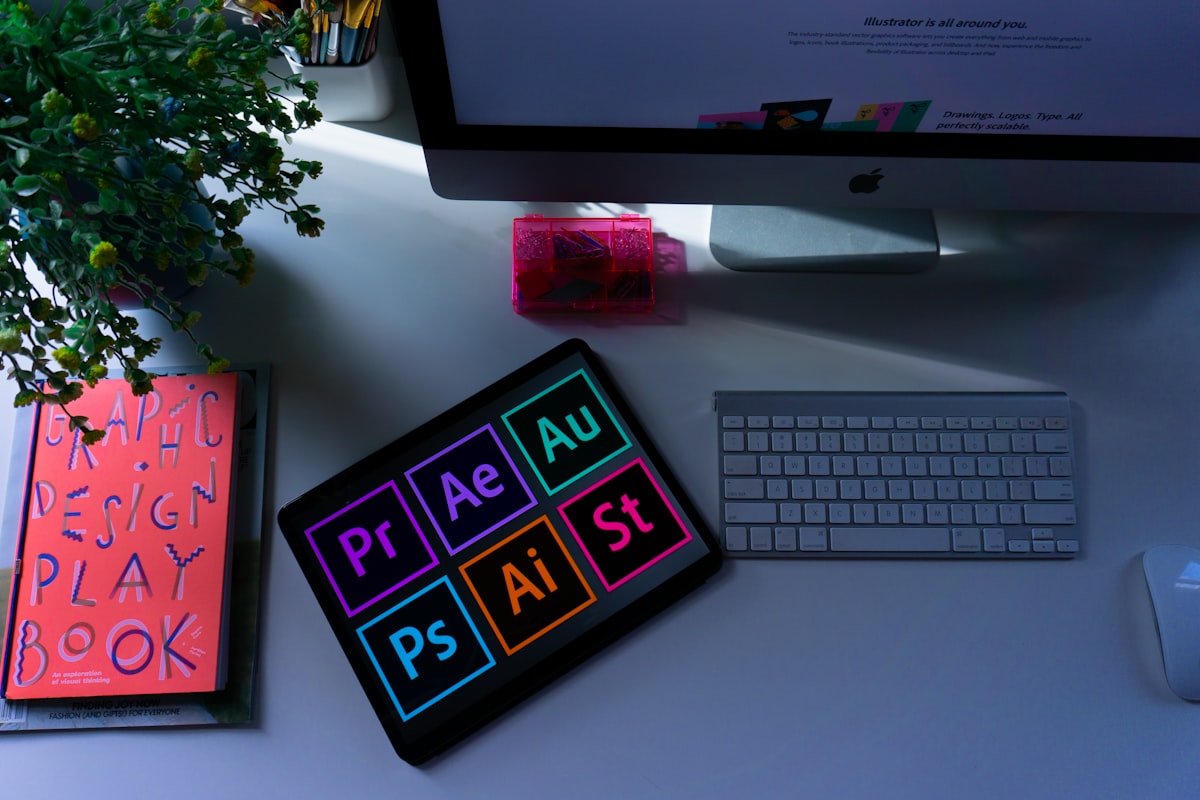
Whether you have an old logo scan, a low-resolution PNG, or a hand-drawn sketch, vectorizing it properly is the first step toward professional print-ready artwork. In this guide, we walk you through the complete process used by expert vector artists at VectorRefinery.
What Is Vectorization?
Vectorization is the process of converting a pixel-based (raster) image into a vector format — like SVG, AI, or EPS — made up of mathematical paths and curves. Unlike raster files, vector files can be scaled to any size without losing quality.
Step 1: Assess the Source Image
Before beginning, evaluate your source file. A higher-resolution source makes the redraw easier and more accurate. Look for sharp edges, readable text, and distinct color areas.
Step 2: Set Up Your Artboard
Open Adobe Illustrator (or your preferred vector software) and create a new document. Place your raster image on a locked layer as your reference.
Step 3: Trace Every Element by Hand
This is where the magic happens. Using the Pen Tool, carefully trace each shape, curve, and letter of the logo. Manual tracing ensures clean anchor points, smooth bezier curves, and professional results — something auto-trace simply cannot achieve.
Step 4: Apply Colors
Match colors using CMYK or Pantone values for print accuracy. Avoid RGB-only colors for physical production.
Step 5: Export & Deliver
Export your completed vector in the required formats: AI, EPS, SVG, and PDF. Always include a transparent-background PNG for versatility.