

Introduction
If you’re working with logos, graphics, or any kind of design for printing, you’ve probably heard about PNG to vector conversion. But not all vector conversions are the same.
Many people use automatic tools to convert images into vectors, but the results are often messy, inaccurate, and unusable for professional work. That’s why manual vectorization is the gold standard.
What is PNG to Vector Conversion?
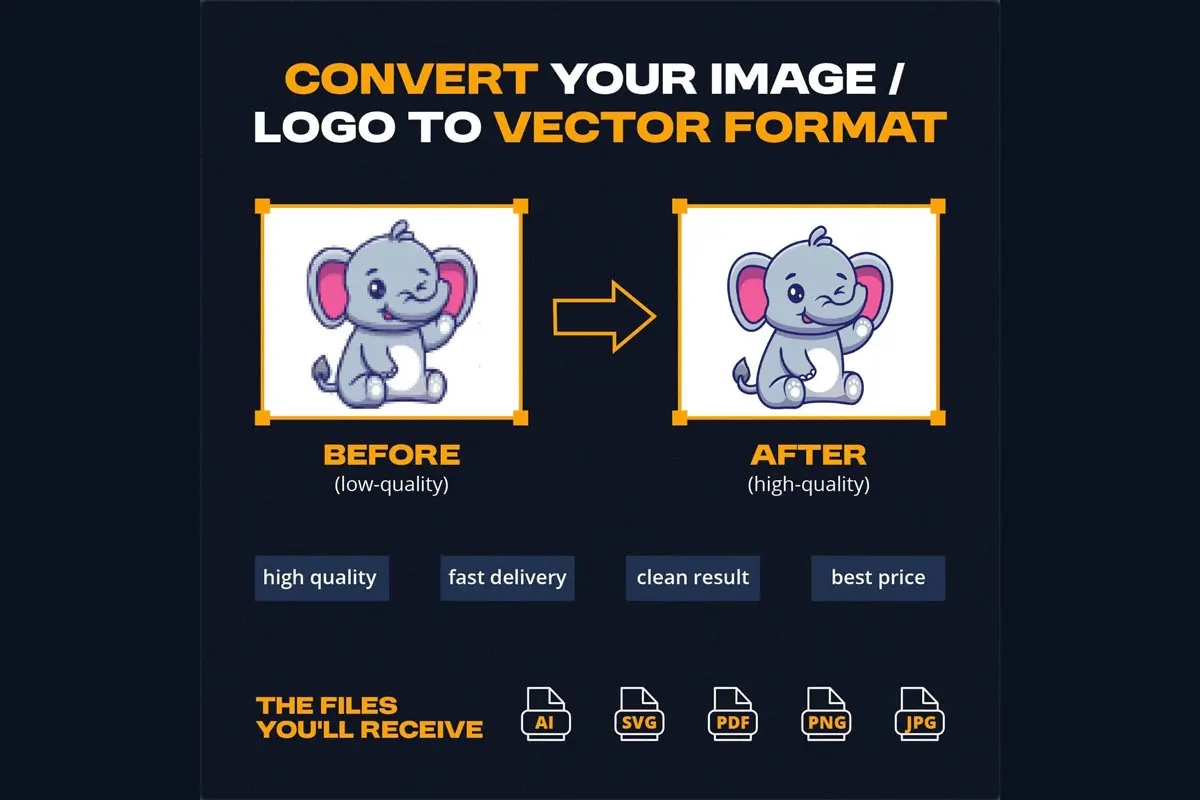
PNG is a raster format, meaning it’s made of pixels. When you zoom in, it becomes blurry and loses quality.
Vector files (like AI, SVG, EPS) are made using mathematical paths. That means:
– Infinite scalability
– No quality loss
– Clean edges
Why You Need Vector Files
If you print a PNG logo:
– It becomes blurry
– Edges look jagged
Manual vector conversion ensures:
– Sharp edges
– Clean curves
– Print-ready quality
Auto Trace vs Manual Vectorization
Auto Trace Problems:
– Too many anchor points
– Uneven lines
– Poor curves
Manual Vectorization Benefits:
– Clean geometry
– Smooth curves
– Perfect symmetry
Real Use Cases
– Printing
– Embroidery
– Branding
– Signage
Our Process
1. Image Review
2. Manual Redraw
3. Refinement
4. Final Delivery
Why Choose Manual Vectorization
– Better print results
– High-end quality
– Works for embroidery
Final Thoughts
Vector conversion is essential for professional design. Manual vectorization always delivers the best results.
Call to Action
Upload your image today and get clean, professional vector files.
